The Browser-Native Editing Suite

Craft Cinematic Masterpieces with Storyfy

The complete non-linear online video editor. Trim clips, build custom multi-track layouts, orchestrate keyframe animations, and deploy complex filters directly inside your web browser.

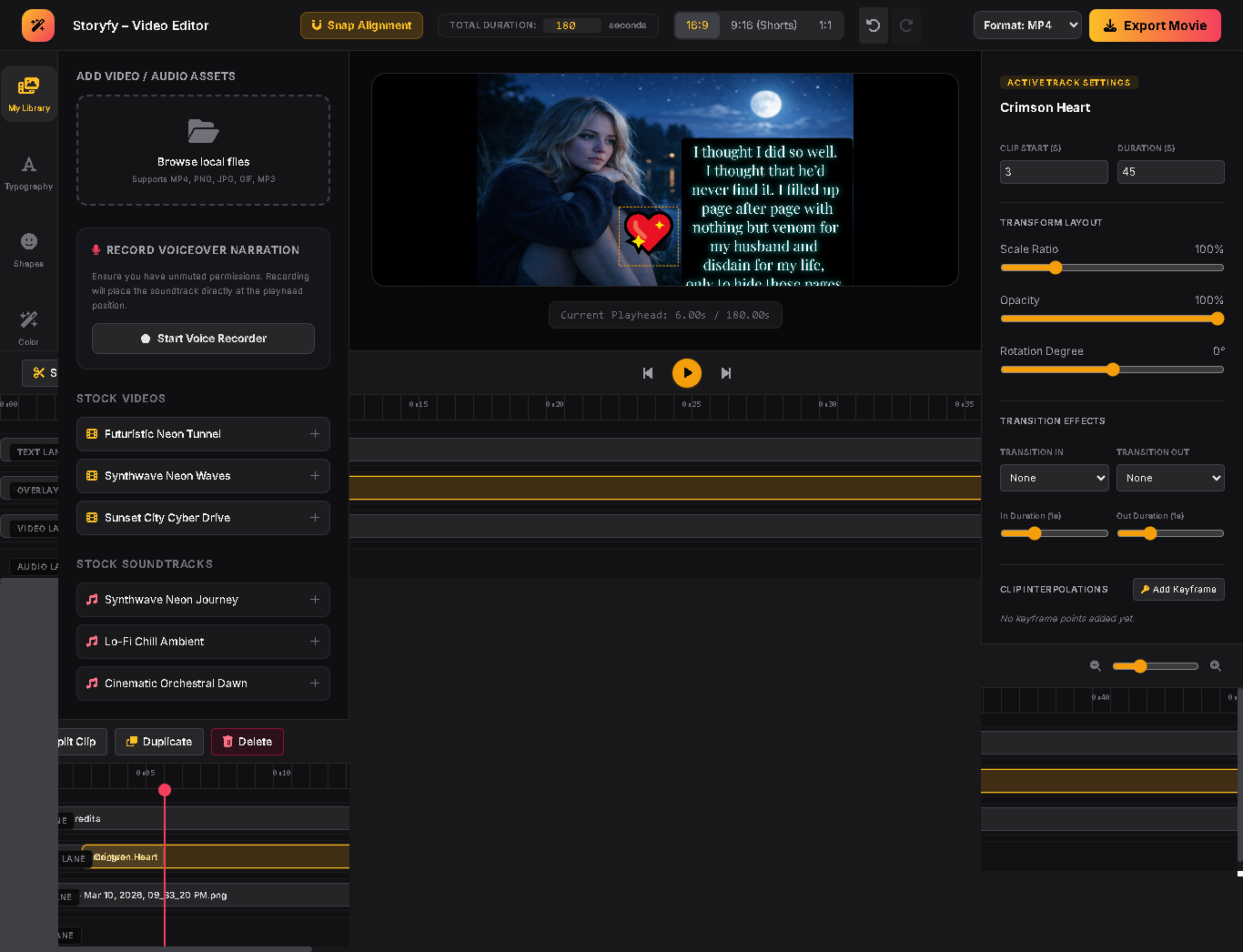
Full Desktop Multi-Track Interface Preview

Replace this space with a high-resolution screenshot mapping the layout structure (`storyfi-video-editor.html`).

Engineered for Performance. Built for Scale.

Discover the core structural paradigms that separate Storyfy from common web wrappers.

Keyframe Parameter Interpolation

Map absolute transformation matrix scales, fluid opacities, and exact XY alignments chronologically along custom track nodes.

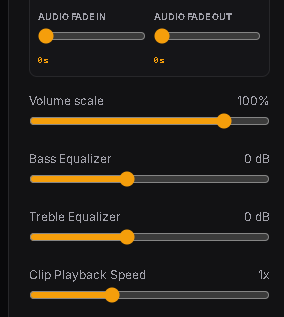
Web Audio Filter Equalizers

Shape acoustic properties with sub-audible precision. Inject low-shelf bass boosts and high-shelf treble enhancements on live tracks.

Creative Lookup Filters

Instantly initialize color grading using core hardware filter rules: Cyberpunk Neons, Monochrome Noir, Analog Vintage, and cinematic glows.

How It Works

Three quick procedural steps to generate real-time visual assets natively inside your viewport ecosystem.

1

Ingest Media Layers

Drop local MP4s, static imagery, animated GIFs, or ambient stock tunes directly onto your project grid canvas.

2

Manipulate Properties

Slice files via playhead razor tools, customize text overlays with neon glows, or trigger transition blur timings.

3

Export Mixed File

Trigger hardware encoding streams to save your project context instantly into localized MP4 or WebM containers without tracking footprints.

Why Modern Creators Edit via Storyfy Workspace

Traditional editing options depend on clunky installers and high server monthly costs. Storyfy uses client-side canvas structures to protect your raw files while remaining completely free.

Zero Watermarks Absolute commercial freedom.
Privacy Preserved Local storage architecture.
No Setups Needed Launch instantly in your browser tabs.
Real-Time Mixes Seamless hardware previews.

Frequently Asked Questions

Got questions about technical limits and processing pipelines? We have answers.

Are my original video tracks uploaded to a cloud host database server?

No. Storyfy processes all data locally on your computer using browser API instances (`captureStream`, context arrays, and client blobs). Your videos never leave your local workspace, keeping your data secure.

How does the keyframe rendering engine operate?

When multiple keyframes are dropped onto your timeline lane tracking maps, our render script applies standard continuous interpolations across target properties like scale, layout position, and alpha opacity levels at each timestamp.

Which file outputs are currently available on file export?

We support standard native universal video outputs including high-profile standalone MP4 configurations (H264/AAC audio mappings) and robust, optimized WebM (VP9/Opus audio) outputs.